Find any tab
in a keystroke
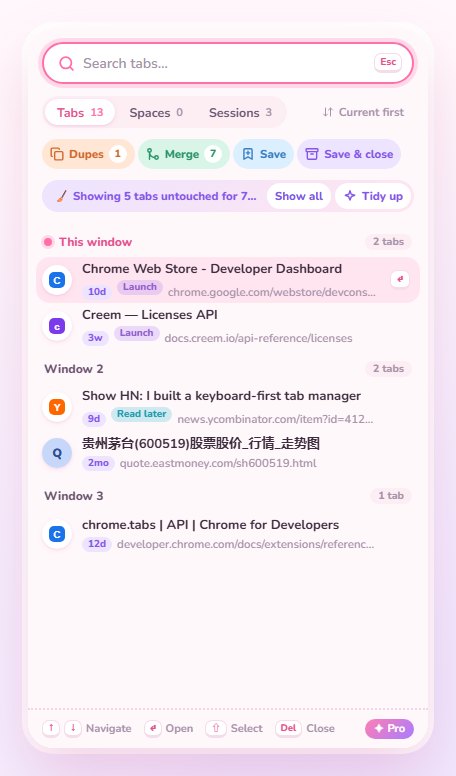
Tabwright is a cute, keyboard-first tab manager for Chrome. Keep each project in its own Space, tidy what you forgot, and never lose a tab again.
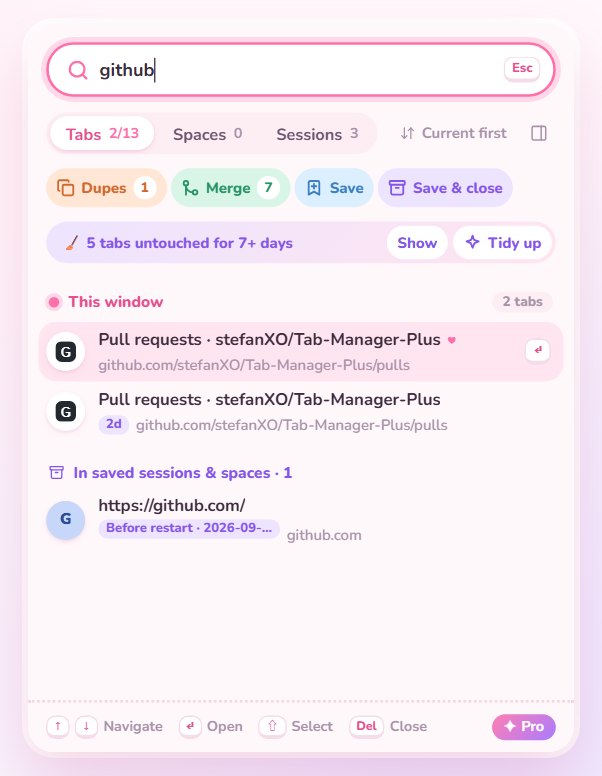
Find any tab in a keystroke
Type a few letters, press Enter. Search also looks inside everything you saved.
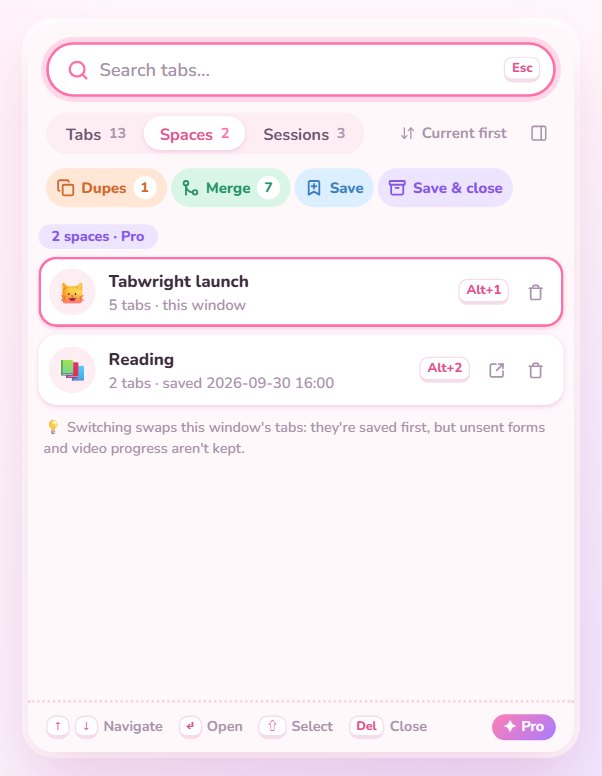
One window per project
Name a window to make it a Space. Switch with Alt+1…9; tabs are saved live.
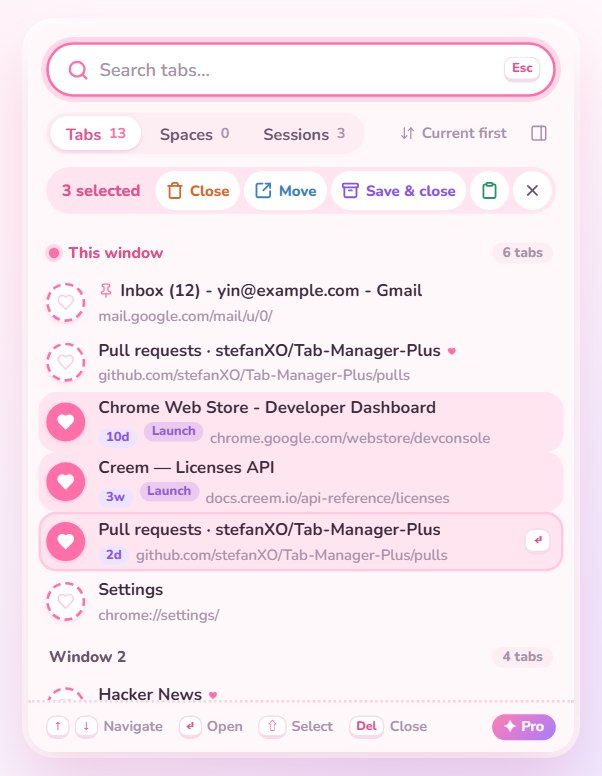
Pick with a heart, act in bulk
Close, move, copy or save many tabs at once. Chrome tab groups show up right in the list.
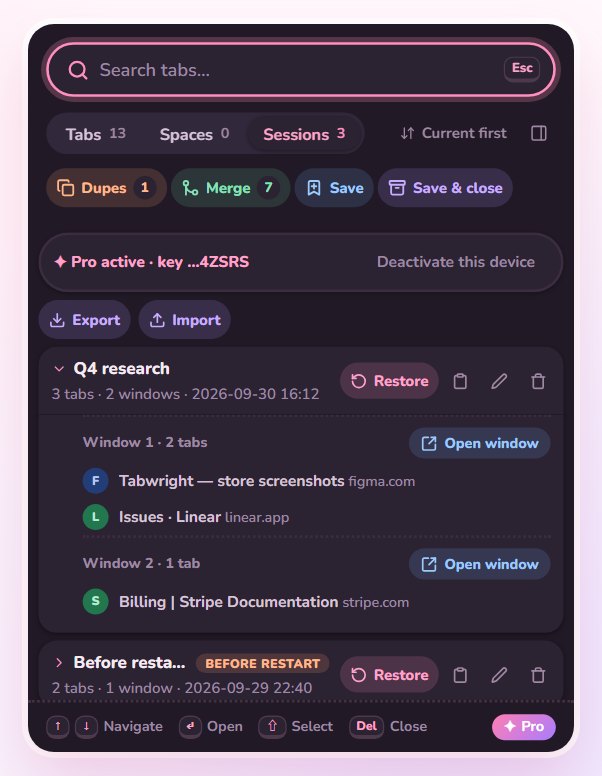
Never lose a tab again
Sessions, auto-saves and crash snapshots keep your tabs — and their tab groups — safe.
Tidy the tabs you forgot
See what you haven't opened in a week and tidy it away, from a side panel that stays open.
Simple pricing
Free
- Fast search & keyboard control
- Multi-select, close duplicates, merge windows
- 2 Spaces, 3 saved sessions
- Tab groups kept when saving
- Copy as Markdown
- Latest crash snapshot
Pro
- Everything in Free
- Unlimited Spaces and sessions
- Search inside everything you saved
- Save & close, one-click Tidy up
- Side panel that stays open
- 5 auto-saves + 3 crash snapshots
- Import & export
Questions
Do I need an account?
No. Tabwright works right away, and your tabs never leave your computer.
How does Pro work?
Buy once, and your license key arrives by email. Paste it in Tabwright's Sessions tab to activate. No subscription.
How many computers can I use?
One license key works on up to 3 computers at a time. To move it, use "Deactivate this device" in the Sessions tab, then activate the key on the new computer.
What if it's not for me?
Email [email protected] within 14 days of purchase for a full refund.